How I Automate My Home with Home Assistant
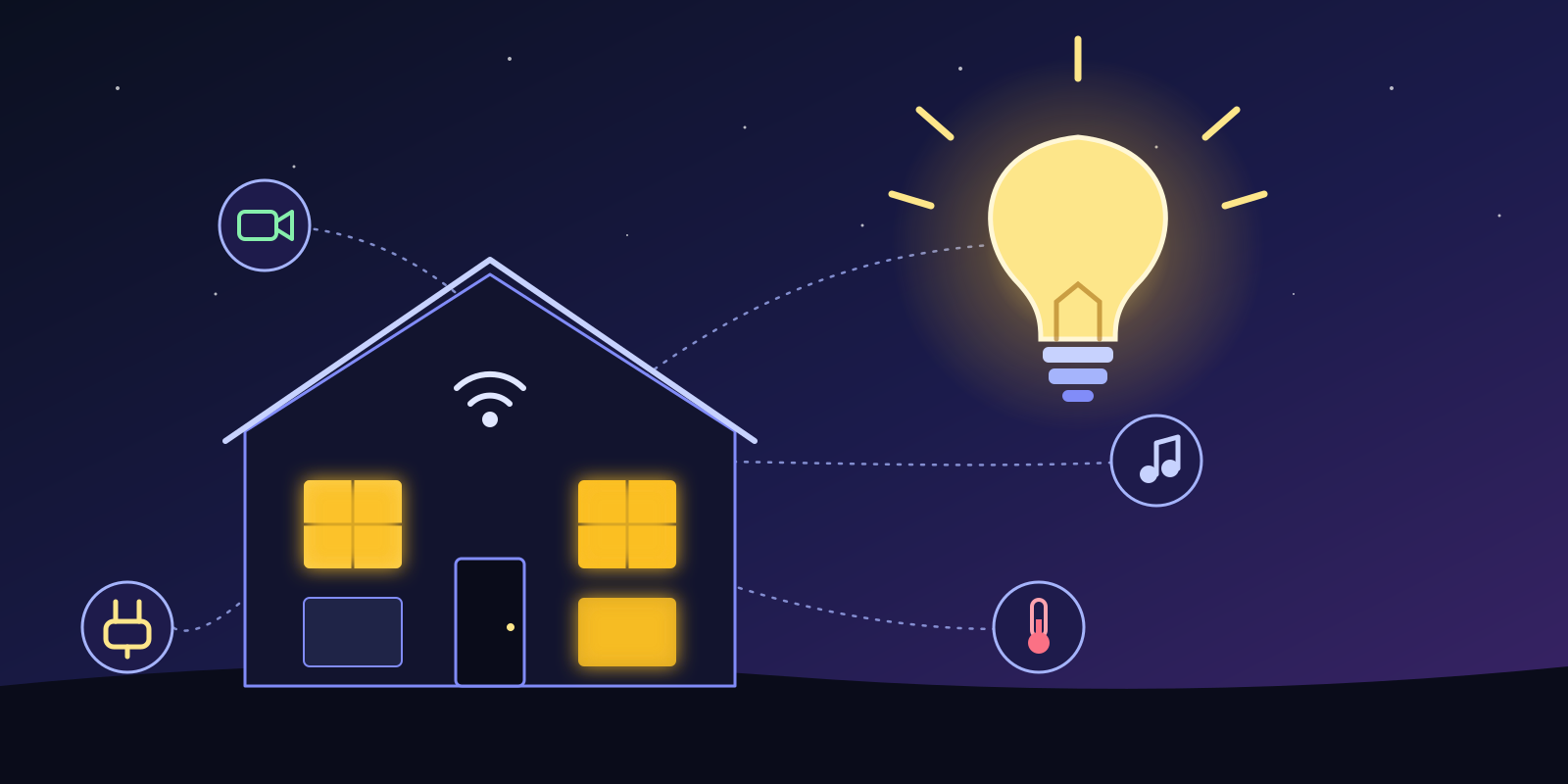
The best home automation is the kind you forget about. The lights just come on, the music just plays, and everyone thinks you're a wizard 🧙
Honestly, I don't remember the last time I turned on a light switch. And I'm not even exaggerating. The lights know when I walk in, and they know when I walk out.
In this article, I'll show you how my Home Assistant setup works and some of my favourite automations. (And if you're curious about the servers behind it, check out my homelab article.)
The setup in numbers
Home Assistant runs on its own small box, separate from my other servers. At the time of writing, it has:
- Close to 4,000 entities (yes, really, mostly sensors)
- 69 automations (nice?) and 26 scripts
- 9 areas and well over 100 integrations
It talks to a bit of everything: Zigbee devices, Matter, ESPHome boards, Tuya, TP-Link, SwitchBot, Nanoleaf, Govee, Google Home and Nest, Android TV, an IR blaster for the older gadgets, and a robot vacuum. If it has a chip in it, I've probably tried to connect it.











#1: Lights that think for themselves 💡
This is the gateway drug of home automation. Motion in the hallway or entrance? The lights come on. Nobody in the kitchen or living room for a while? They go off. The LED strip behind the TV turns on when I start watching something and turns off when I'm done.
It sounds small, but it's the thing everyone in the house notices first.
#2: Music with a tap 🎵
This is my favourite one. I have a bunch of NFC tags with artists and albums assigned to them. Tap a tag on a little reader and the music starts on the right speaker. Pink Floyd, Linkin Park, a classical playlist, whatever the tag says.
There is also an automation that moves the music to another speaker, and one that makes Spotify play on the selected device even when it's being difficult.
#3: Movies and TV 🎬
Home Assistant and my media server get along very well:
- I get a push notification when a requested movie or show is available
- The Google TV pauses itself when nobody is watching
- I can ask Assist to add a movie to Radarr using my voice. (Yes, I'm lazy.)
#4: The boring-but-useful stuff 🧺
This is where automation gets lazy, in the best way.
- Wash cycle done? I get a notification. No more clothes sitting wet in the machine all afternoon.
- Bin day? I get a reminder, and another one if the bin is still outside.
- Heating on? A timer starts, and it turns itself off after a while, so I can't forget it.
- Battery low? A battery tracker tells me which sensor needs a new coin cell, and there's even a counter for the batteries I have in stock.
- Internet slow? A speed test runs, and I get pinged if the speed drops below 100 Mbps.
#5: Doorbell and cameras 🔔
When a person is detected in the backyard, I get a notification and the lights come on. The doorbell has a night mode too. Frigate does the AI detection locally, so nothing leaves my network for that.
Also on the porch: a motion sensor turns the porch light on after dark and switches it off again after about a minute, so the way to the door is never dark and I never have to remember to turn it off.
#6: The dashboard
An old Android tablet runs as a kiosk dashboard. It was collecting dust in a drawer, and now it's a very useful screen. Fully Kiosk Browser keeps it always on and Home Assistant can control it.
Things that make life easier
- HACS for community integrations and cards. (A lot of my favourite things come from there!)
- Watchman checks for entities that your automations use but no longer exist.
- Battery Notes to keep track of which battery goes where.
- Git. My configuration is pushed to a git repo, and I even tag it with the version whenever Home Assistant updates. When I break something (not if), I can roll back.
- Emojis in automation names. 💡 lights, 🎵 music, 🔋 batteries, ⚙️ housekeeping. It looks silly, but it makes the list easy to scan!
What I'd tell someone starting out
- Start with one room and one problem. Don't try to automate the whole house on day one.
- Prefer local devices (Zigbee, Matter, ESPHome) over cloud-only ones. They're faster and keep working when the internet doesn't.
- Make it work for everyone in the house, not just you. If it's harder than a light switch, it'll get switched off.
- Always keep a manual way to do things. Wall switches are good, actually.
Will keep adding to this list as I automate more things!
What's your favourite automation? Is there anything you think I should automate next?